
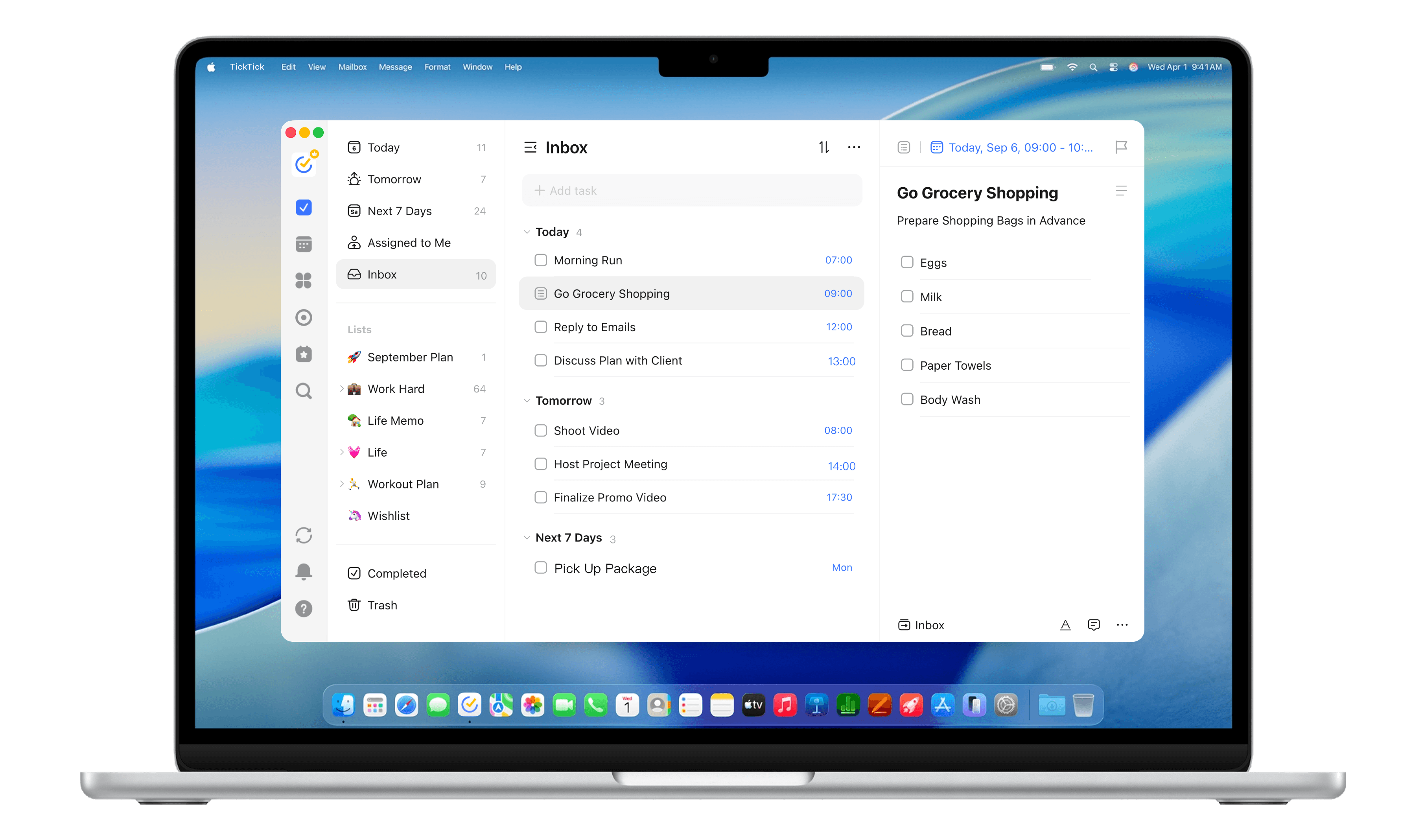
Plan and execute in the same view
Open your task list and calendar side by side to schedule tasks and track progress in one unified workspace.
Designed for macOS, TickTick helps you capture ideas, plan tasks, and stay on track right from your desktop.
Open your task list and calendar side by side to schedule tasks and track progress in one unified workspace.
Use shortcut Command+Shift+A to capture tasks or ideas without leaving your current app.
Pin important tasks to your screen so you never lose track of what matters most.
Use shortcut Command+Shift+O to instantly access your tasks and start focus from the menu bar.
Review your completed work and generate instant summaries for easy reflection.
Products
Support
Resources
About
Legal


